01 · Ask
Ask about the day they have.
Help Me Choose asks where visitors will start, what wildlife interests them, and when they will go. Build My Own Route lets them choose a route on the map.
Starting areaWildlifeTime + timing
Visitors to Yellowstone and Grand Teton can get a suggested route or build their own. They can even save the plan for later.
I designed and built the planner, website, checkout, and member access.
01 The product
Some visitors need help choosing where to start. Others want to build their own route. I designed Help Me Choose and Build My Own Route so both can make a plan, review it, and save it.
The first screen offers both ways to plan.
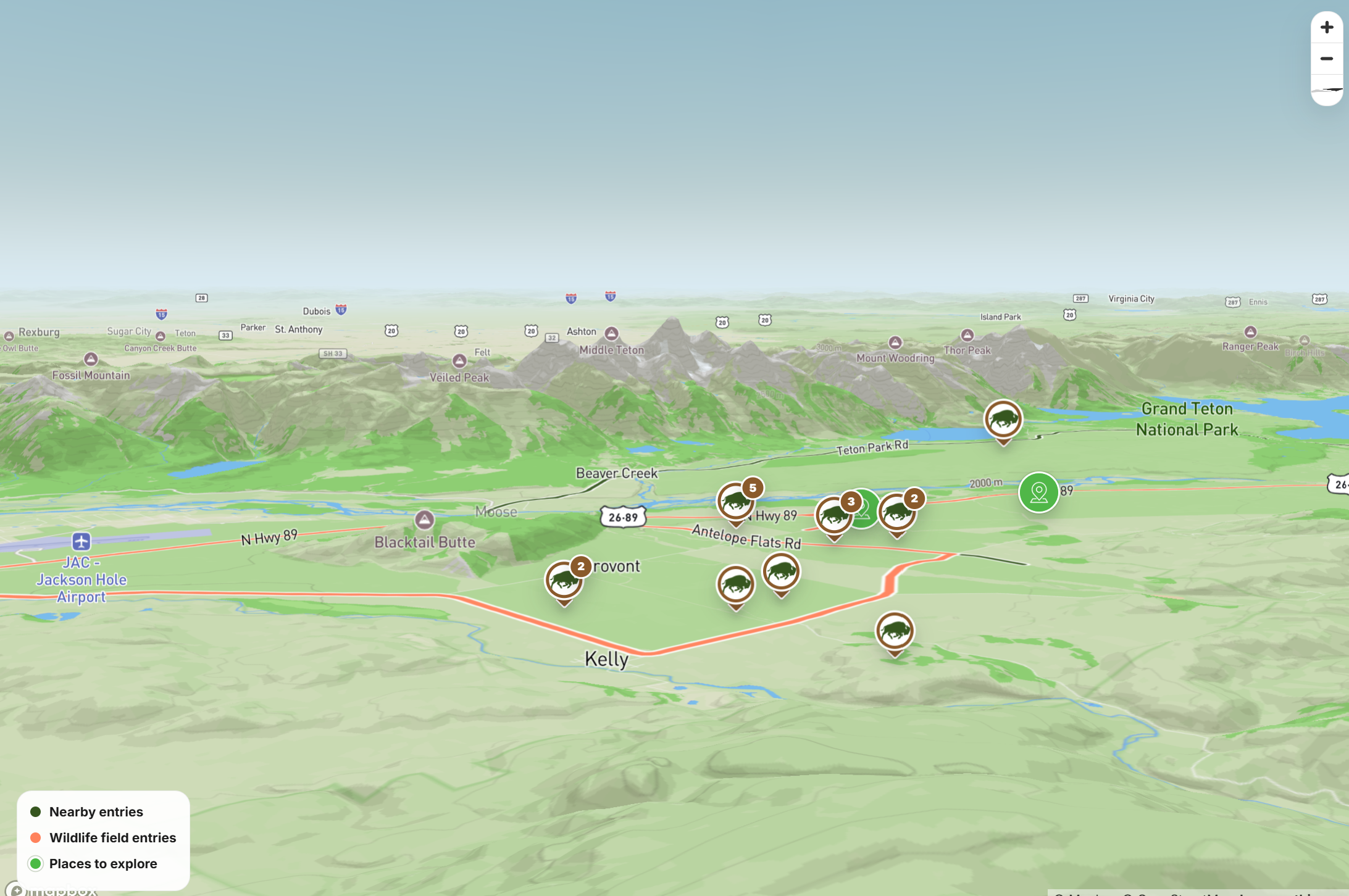
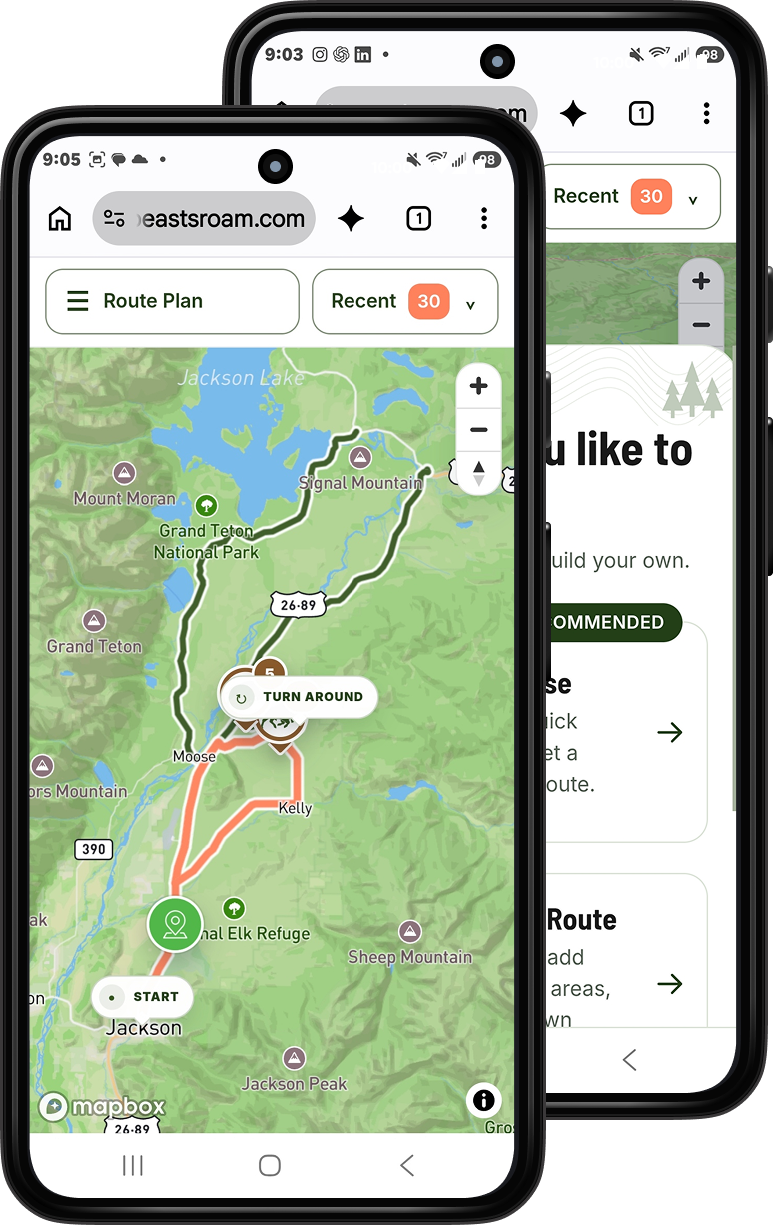
The sample result brings the starting point, wildlife priority, drive estimate, and save action into one view.
Planner previews
Planning method
Sample route
Try the planner example
One Grand Teton sample routeWhere The Wild Beasts Roam
A starting point, a wildlife priority, and a route to review.
Open meadows, habitat edges, and room to adjust the plan.
Portfolio sample layout · Not driving directions
From screen to saved plan
The live planner exports a personalized route PDF. It is a saved plan, not an offline version of the whole app.
02 The decisions
Visitor questions and early tests helped me decide what to ask first. My field experience shaped the route notes and the details people can save.
01 · Ask
Help Me Choose asks where visitors will start, what wildlife interests them, and when they will go. Build My Own Route lets them choose a route on the map.
02 · Explain
The plan shows the route and explains why it fits. Field notes, scenic stops, and a backup option help visitors decide whether to use it.
03 · Keep
Going back keeps the visitor’s choices. They can download their route as a PDF and read it later without cell service.
Field notes include the date of each observation. The map does not track animals live. I placed distance reminders beside the planning choices so visitors see them while making a plan.
03 Website + access
Visitors can try a sample before they buy. I designed and built the website, checkout, and member pages so they can move from that sample to making and saving their own plans.
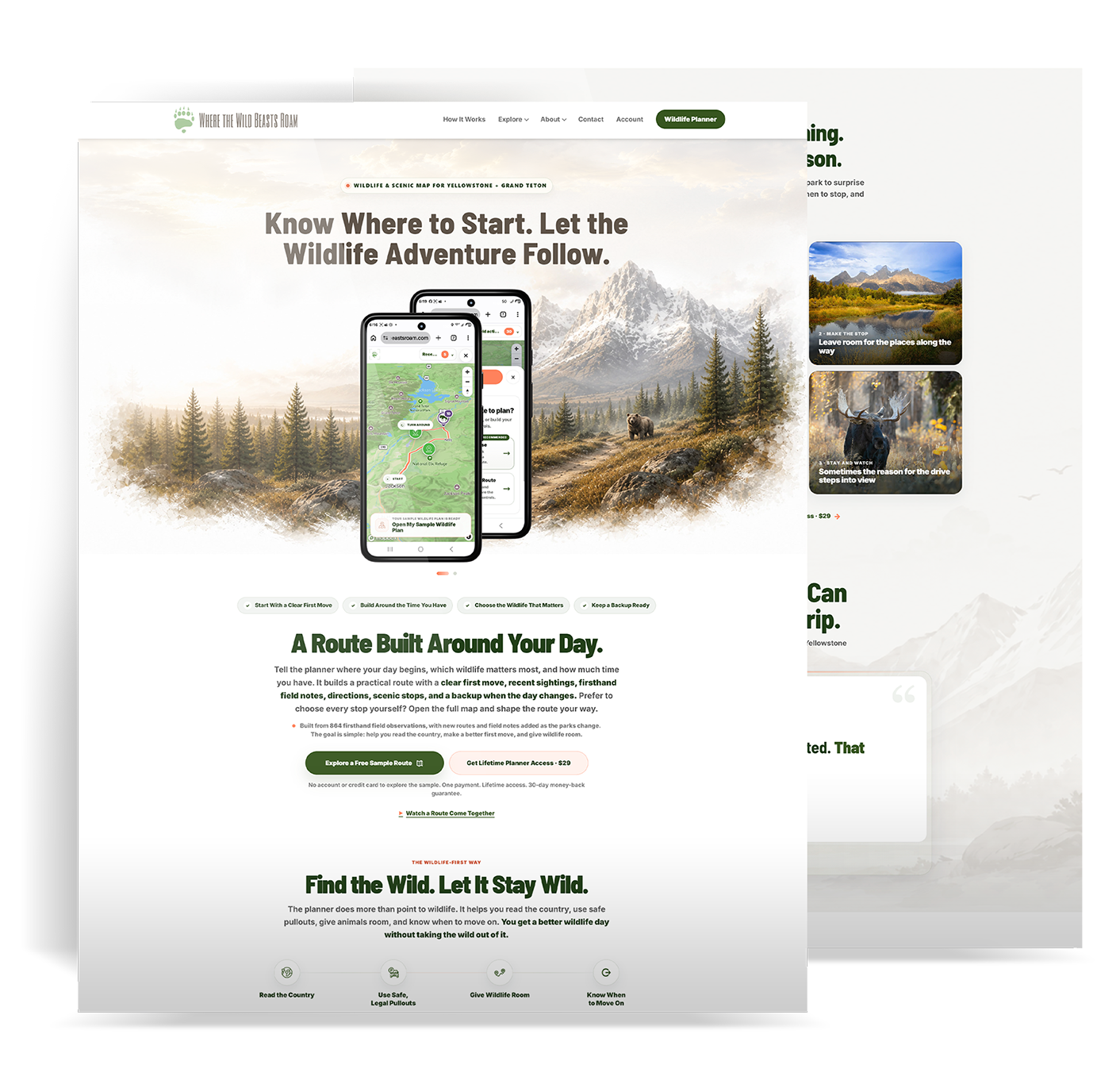
Finished website
I moved the sample route higher on the website. Visitors can see what the planner gives them before reaching the price and checkout.
Explore the live website (opens in a new tab)From trying it to using it
I connected checkout to the member pages, planner, and field guides. Buyers need a clear way to reach what they paid for and use it again.
Try a sample route and see what a plan includes.
Buy access, then open the planner from the member pages.
Return to make plans, save routes, and read the field guides. Field updates and support continue after purchase.
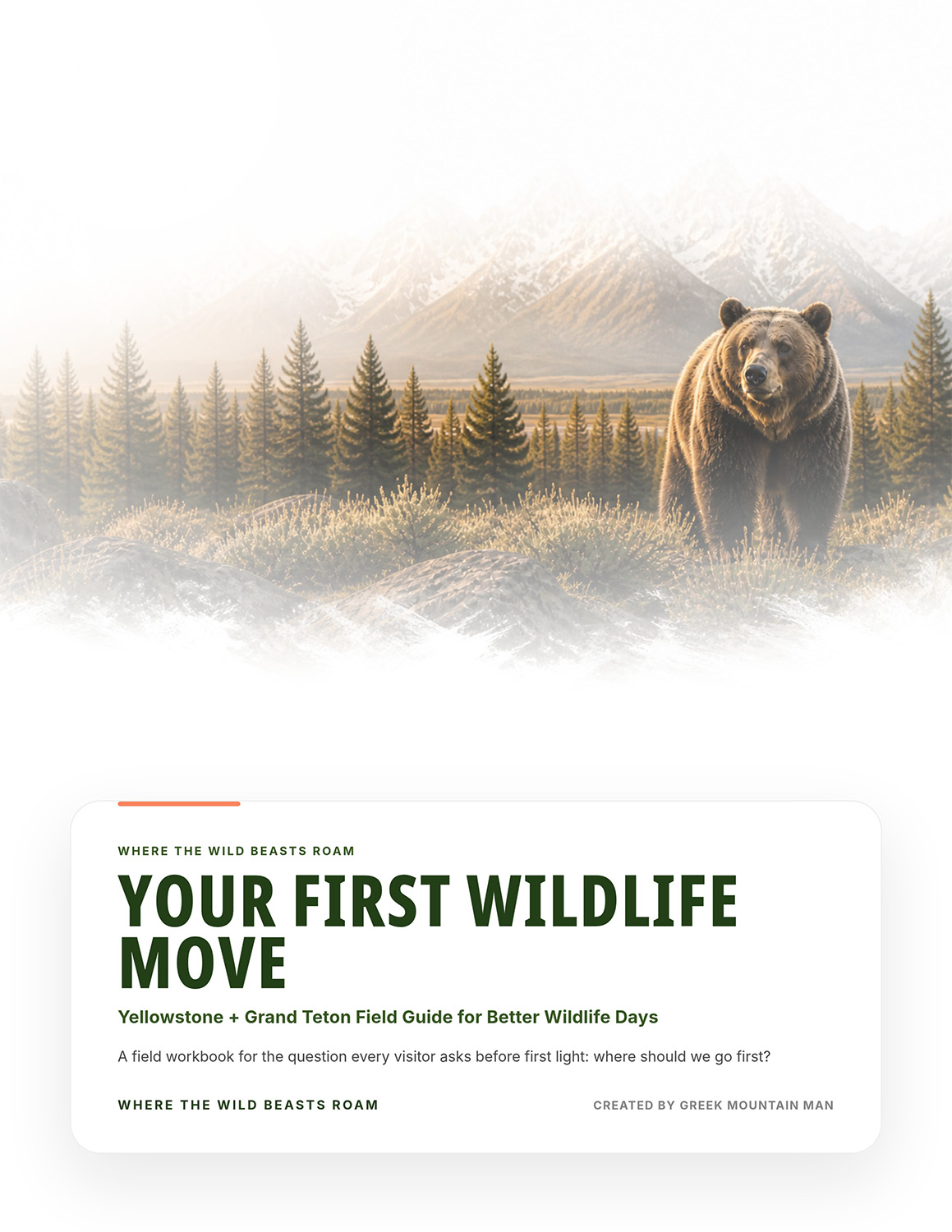
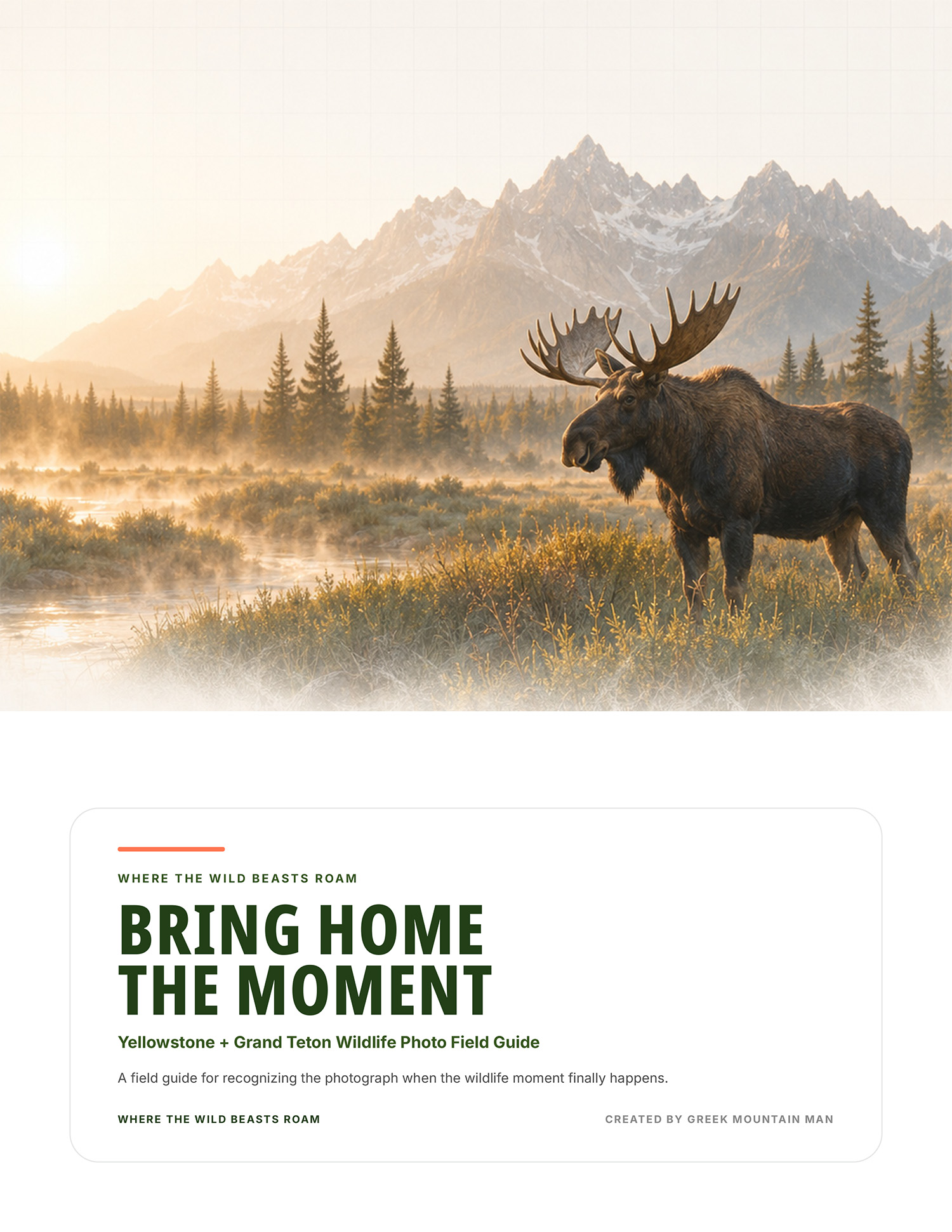
These guides are separate from the route PDF each visitor can save.
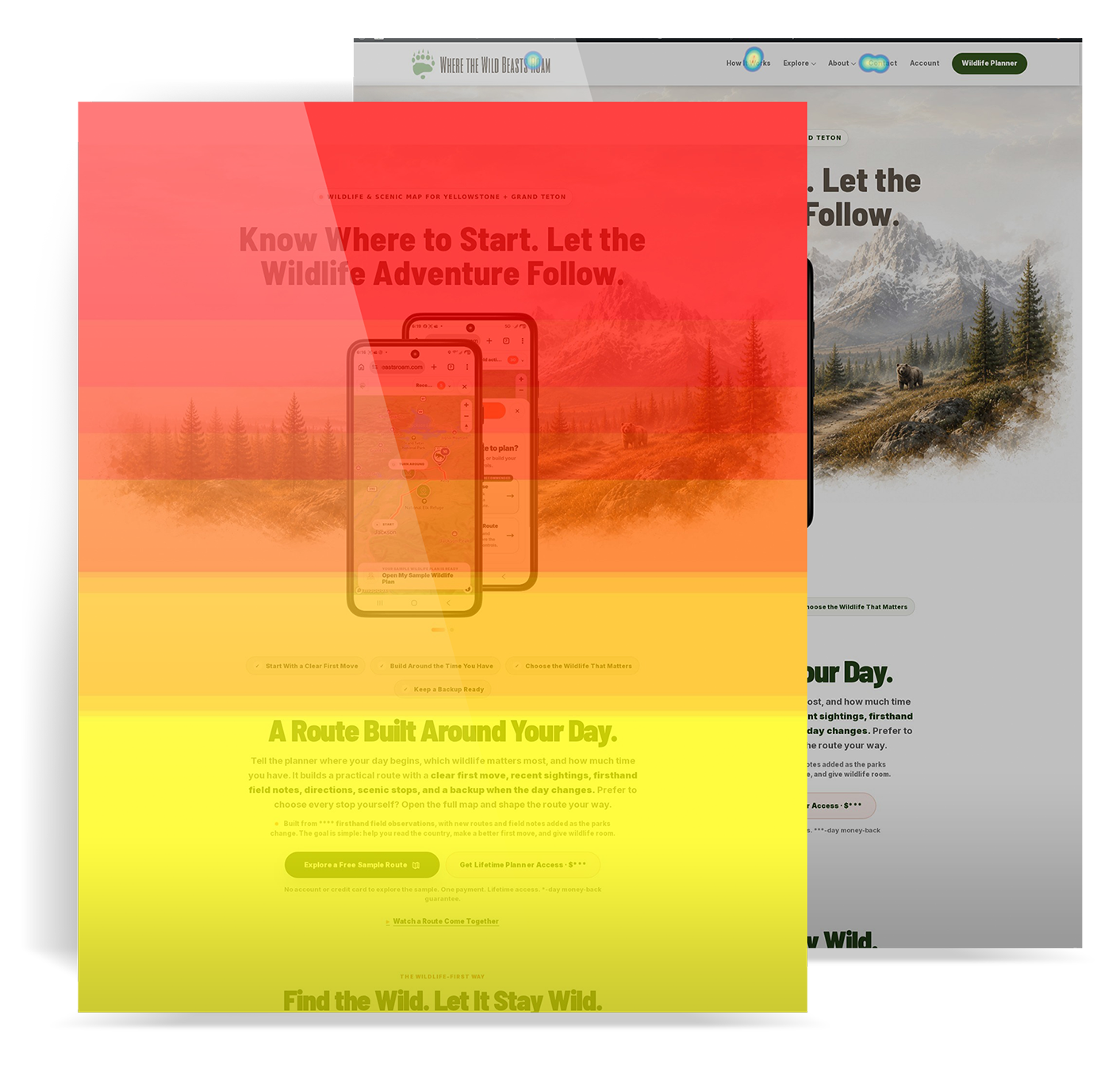
Heatmap review
The heatmap showed less attention farther down the page. I reviewed where the website explained what visitors would get.
That review led me to move the sample and its result higher on the page. It does not prove that the change increased purchases.
04 Design + build
I designed the screens in Figma, then built the planner as a custom WordPress plugin. The same buttons and controls work on phones and desktop. Going back keeps the visitor’s choices.
Choose a tab to see a control and where it appears in the planner.
Selected cards have a stronger border, a checkmark, and a tinted background. People can spot their choice without relying on color alone.
 WTWBR / Planner choice
 State: Default · Selected
 Interaction: Default · Hover · Pressed · Focus
A card can stay selected while someone hovers over it or uses a keyboard to reach it.
These examples show the same button at rest, during a hover or press, and when it is unavailable. The label, size, rounded corners, and icon spacing stay the same.
 WTWBR / Button
 Label: editable text
 Tone + State: separate variant properties
The highlighted area in the planner uses the Text tone for “Choose another planning method.”
The step someone is viewing can differ from the last one they answered. The progress display keeps those two things separate.
 WTWBR / Guided progress
 Step + Complete: separate variant properties
Opening a step does not count as answering it. The planner checks whether the required answer is there.
The park cards use the shared Planner choice design.
A browser version of my Figma planner study. The controls and icons use the product’s own colors.
The saved colors cover the brand, backgrounds, text, and selected choices. These examples use the WTWBR colors.
brand/forest · #223F17
brand/coral · #FF825C
surface/canvas · #F6F7F2
surface/selected · #EAF2E4
I saved text sizes, spacing, and corner styles in the library so the screens use the same rules.
These examples show a field before and after an answer, with keyboard focus, with an error, and when it is unavailable. The label and help text can be edited.
I wrote the HTML, CSS, JavaScript, and back-end code. It connects the visitor’s choices and field notes to routes, directions, and saved PDFs. I also built the website, checkout, and member access.
I tested both ways to plan. I checked missing answers, loading screens, errors, and what happens when someone goes back. Early tests and support questions helped me change labels and steps.
I handled the research, planned each task, made wireframes, and designed the screens. I wrote the code, set up payment and tracking, added field notes, and supported the product.
05 Live + improving
The planner, website, checkout, and member pages are live. Visitors can make a route and save their plan. I keep testing how the product works and improving it.
Tests, support questions, and reviews of how people use the site help me decide what to fix. I can update the design and make the change in code.
I want to check how many people finish a route, how long it takes, how many sample users buy access, and how many return. This is a plan for future testing. Those results are not reported here.
The results above describe what I launched. I have not reported a measured gain in sales or task speed.
Next projects
Redesigning Korn Ferry’s internal recruitment software, used to recruit people around the world. Shown with illustrations, not client screens.
Read case study →I redesigned and built the website to help buyers understand the software and choose a trial or demo.
Read case study →Available for full-time roles
I’m a Senior Product Designer with 15+ years of design experience. I also build the interfaces I design.